
Bulloch County Court Calendars Explained
Bulloch County publishes criminal setting lists on its official court calendar directory. The page is organized by judge and setting category, not by one countywide name-search box. Its links cover bonds, revocations, calendar calls, arraignments, motions, pleas, status matters, jury selection, and miscellaneous settings. The directory lists calendars for Judges Ronnie Thompson, Lovett Bennett, Michael Muldrew, and Matthew Hube. Select the judge and category that match the case notice.
Each PDF is a snapshot of one Bulloch County court calendar. It is not the case's running docket and does not guarantee that a matter will be called at a precise minute. The files carry report dates, but the county states no universal refresh schedule, nightly update promise, or export function. Old notices may remain online. A current date should be checked against the case docket and confirmed with the court.
Bulloch Court Dates Start on Paper
A summons, citation, bond paper, or filed notice of setting is the first source. It identifies the assigned court and usually the first appearance date. “Bulloch County” alone is not enough. Felonies normally point to Superior Court. County misdemeanors and most county traffic matters belong in State Court. City citations can remain in Municipal Court, while traffic cases for defendants sixteen or younger are routed to Juvenile Court under the clerk's local guidance.
Match the court and case number before opening a calendar. This prevents a frequent error: searching a Superior calendar for a State matter or checking a county PDF for a Statesboro or Brooklet municipal citation. If the paper does not name the court clearly, call the issuing or handling clerk. Guessing from the charge or party name can send the search into the wrong docket.
Finding Your Court Date
Use every channel that fits the matter. Georgia has no single public case database covering all Bulloch County courts. Superior and State case activity routes through Georgia E-Access into PeachCourt. County PDFs supply selected Superior criminal settings. The clerk's counter and phone remain essential when online sources differ.
- Read the summons, citation, or notice. Record the court, case number, judge, and date exactly as printed.
- For a Superior criminal setting, open the county calendar directory and choose the matching judge and category PDF.
- For Superior or State docket activity, use Georgia E-Access, select Bulloch Superior or Bulloch State, and enter PeachCourt.
- Call the clerk at 912-764-9009 or State Court administration at 912-764-8605 when sources conflict. A courthouse counter inspection is another documented channel.
- Contact Magistrate, Probate, Juvenile, or the relevant Municipal Court directly for its separate setting information. Counsel should also confirm a represented party's date.
No single daily printed calendar was documented for every Bulloch court. Posted PDFs, the PeachCourt event history, clerk contact, counter inspection, and attorney confirmation each answer a different part of the date question.
Bulloch Judge Calendar Categories
The county groups its public criminal PDFs around judges and proceeding types. Thompson links include bonds, revocations, calendar calls, and arraignments. Bennett links cover arraignments, bonds, motions, pleas, revocations, status, jury selection, and some Effingham matters. Muldrew and Hube have jury-selection and arraignment links, while Muldrew also has miscellaneous settings. These categories narrow a search more reliably than scanning every file.
- Calendar call
- A session used to review readiness and choose a next setting. It is not necessarily the trial.
- Arraignment
- The formal stage at which the charge and plea are addressed.
- Motion setting
- A hearing on a request asking the judge to rule.
- Revocation
- A proceeding about an alleged breach of probation or another release condition.
A current case can seem absent when the wrong category is opened. Compare the case number rather than relying only on a party name.
How to Read a Court Setting
The inspected Bulloch calendar-call PDF showed a report date, setting date and time, judge, report or count label, item number, attorney field, count, case number, defendant name, offense, and OTN/DOB/SID columns. A motions PDF also showed motion type. Those fields describe the list and the scheduled event. They do not reveal every filing, order, or document in the case docket. Sensitive identifiers must be masked in any example.
| Date | The scheduled appearance date, which differs from the report-generation date. |
|---|---|
| Time | A shared calendar block time, not always the exact minute a case will be called. |
| Courtroom | Confirm from the notice or court because a room field was not established on every PDF. |
| Judge | The Superior Court judge named in the calendar heading. |
| Setting Type | Calendar call, arraignment, bond, motion, plea, status, revocation, jury selection, or another listed category. |
The setting type gives context, but it should not be read as a final outcome. An arraignment is not a disposition, a motion hearing is not necessarily a trial, and a calendar call is often used to decide what happens next.
Bulloch Court Report and Setting Dates
The report date says when court staff generated the list. The setting date says when the hearing block was expected to occur. The researched August calendar call, for example, was produced before its hearing date. That gap leaves time for a later order, reset, or correction. A fresh report date is useful, but the PDF remains a snapshot rather than a promise.
An item number is a position on that calendar, not a case-filing total or guaranteed speaking order. A count such as CT.1 identifies one charge count. Observed Superior criminal case numbers combine a year, SU, CR, a sequence, and an assignment suffix. Use that number to cross-check the docket. Never republish a DOB, OTN, SID, or another sensitive identifier from the public source.
Bulloch PeachCourt Date Checks
PeachCourt is the account-gated case and document environment for Bulloch Superior and State Courts. Its support workflow directs a signed-in user to Search, Cases, county, court, then case number or party name. A docket event may help confirm a setting or later reset. It does not replace the scheduling authority of the court.
The PeachCourt login screen shows the gate before that case workflow.
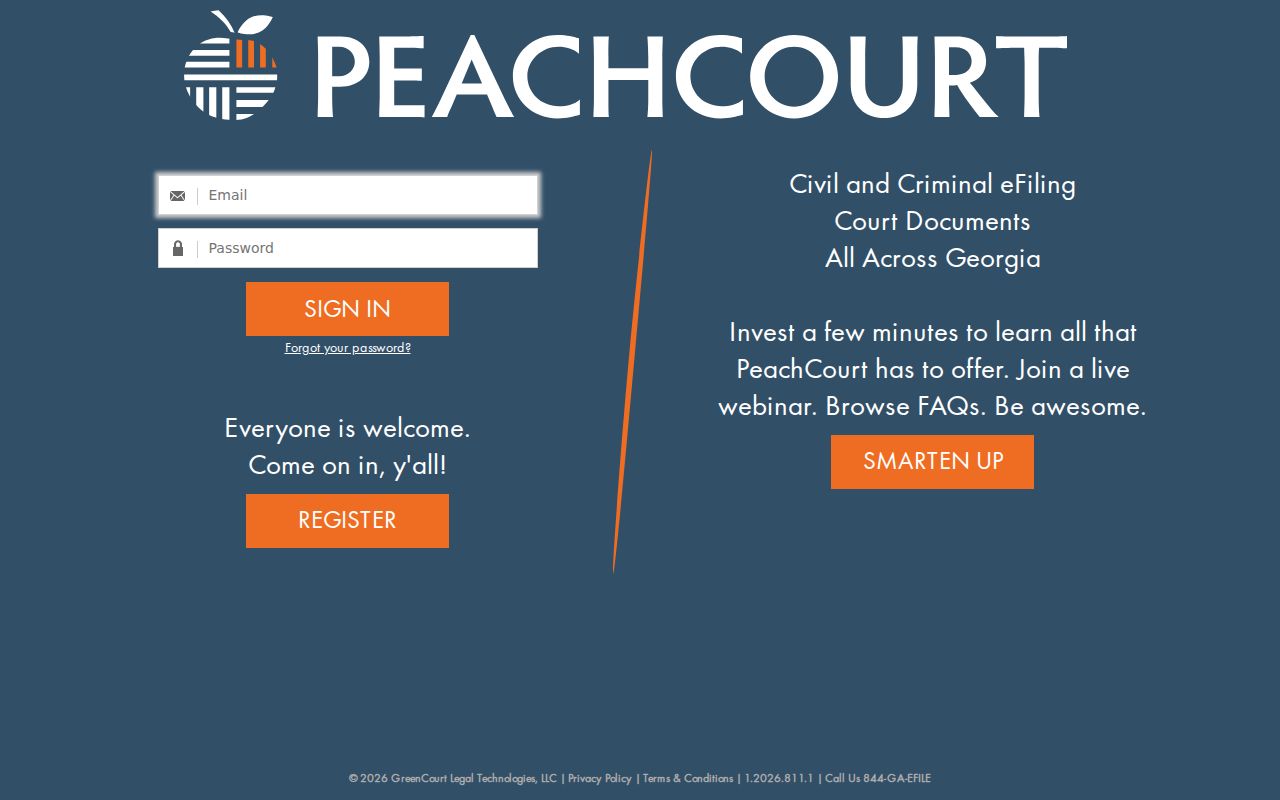
The login illustrates why an anonymous statewide query cannot confirm every date. The related PeachCourt registration page records the account setup.
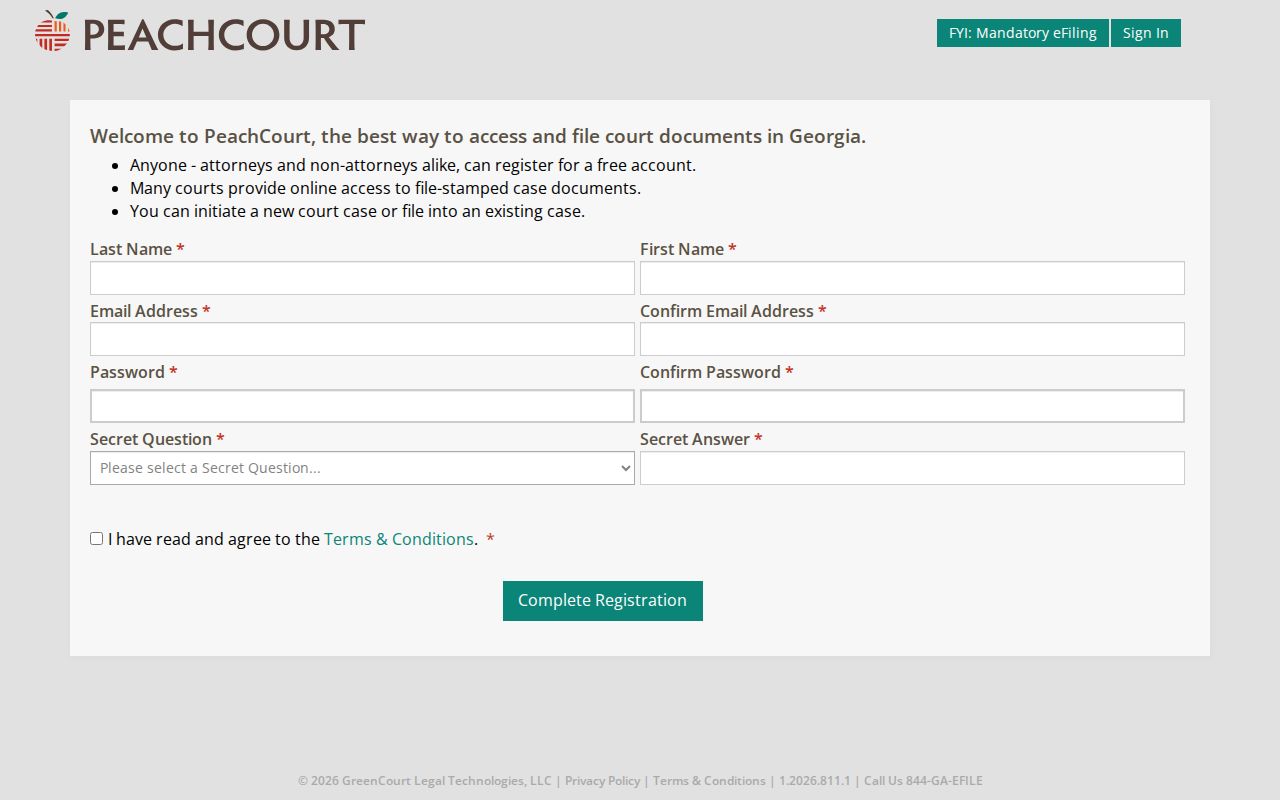
Registration opens the vendor workflow, but the court still controls the hearing and the clerk controls the official local file.
Continuances, Resets, and Cancellations
A continuance moves a matter to a later setting. A reset also changes the date. Neither term means the case was dismissed. The Bulloch clerk expressly states that the clerk cannot change, continue, or reschedule a court date. State Court continuance questions go to court administration at 912-764-8605 or statecourt@bullochcounty.net.
A later docket entry or revised PDF may show the change, but the county gives no guaranteed update interval. Do not assume a vanished row means cancellation. Do not assume an older PDF still controls. Check the docket when available, speak with counsel if represented, and confirm with the court administrator or clerk before traveling.
Verify Bulloch Dates Before Travel
The county calendar is a strong starting point, not a final travel instruction. Verify the date, court, judge, and location with the office controlling the setting. This is most important after a continuance request, a recent filing, or a mismatch between a paper notice and an online list.
Best check: Compare the paper notice, matching judge PDF, and current docket, then call when any field conflicts.
The elected Clerk of Superior, State and Juvenile Court is the custodian for those local files. Magistrate and Municipal Courts maintain separate channels. A city citation does not default into Bulloch State Court, and a zero PeachCourt result does not establish that no lower-court case exists. Confirm the actual court before relying on any date.
Location also depends on the court named in the matter. Superior and State operations are part of the Statesboro courthouse cluster, but a Magistrate or city hearing uses its own office and schedule. The researched county sources do not support one universal courtroom assignment for all settings. A PDF row without a room should be paired with the notice and direct confirmation. Bring the case number when calling because a judge name or hearing type alone may describe many matters on the same calendar. If accommodations are needed, ask the responsible court in advance; the research did not locate a current official list of available interpreter languages.
If You Miss a Court Setting
Act at once. Contact the court or clerk named on the notice, provide the case or citation number, and ask for current status and the next lawful step. If represented, notify counsel. Do not select a replacement date yourself, and do not treat an online payment screen as proof that a missed appearance has been resolved.
Missed a Setting? A missed appearance can lead to a failure-to-appear response, warrant, or other case consequence.
Call the proper Bulloch County court or your attorney immediately and ask how the court requires you to proceed.
Seek advice from a licensed attorney before appearing if a warrant or bond issue may exist.