
How to Search Cases by Name
Georgia Judicial Gateway E-Access is the official starting directory. It lists Bulloch Superior and Bulloch State and routes both to PeachCourt. PeachCourt requires an account. Its support workflow says to choose Search, Cases, county, court, then party name or case number. The exact matching rules, date filters, result limits, pagination, and export controls were not exposed before login, so they should not be assumed.
- Read the source paper and determine whether the matter belongs to Bulloch Superior or Bulloch State Court.
- Open Georgia E-Access and follow the appropriate Bulloch link to PeachCourt.
- Sign in, select Search and Cases, then choose Bulloch County and the correct court.
- Enter the party name as accurately as possible. Compare the court, caption, and case number before opening a match.
Common names can return more than one plausible file. Do not identify a match from a name alone. Compare the court, case number, caption, case type, and filing context, then verify important details with the clerk who maintains the original record.
| Field Label | Type | Required | Notes |
|---|---|---|---|
| Party Name | Text | One search key | Vendor workflow confirms party-name search; partial-match rules were not public before login. |
| Case Number | Text | Alternative key | Best choice when copied exactly from a filing or notice. |
| County | Selection | Yes | Choose Bulloch rather than treating PeachCourt as an undifferentiated statewide index. |
| Court | Selection | Yes | Choose Bulloch Superior or Bulloch State; other local courts are separate. |
Bulloch Case Lookup Through E-Access
Georgia does not offer one public search box containing every case from every county court. E-Access is a routing page. For this county, its Bulloch Superior and State entries point to PeachCourt. That distinction matters. A search there does not cover Magistrate, Probate, Juvenile, or all four Municipal Courts by default, and it should not be described as a statewide negative search.
The directory is still useful because it confirms the approved local destination. It avoids unofficial people-search services and keeps the user on a court-authorized path. After opening PeachCourt, select the county and court again. If the case belongs to another class, use that court's counter, phone, or records route rather than forcing the name through the wrong database.
How to Search by Case Number
A case number is usually more precise than a broad party-name query. Enter every segment shown on the notice, filing, or calendar. Observed Bulloch Superior criminal examples follow a pattern such as YYYY-SU-CR-###-RT. The year identifies the filing series, SU points to Superior Court, CR marks criminal, the digits are the sequence, and the suffix can reflect assignment. The clerk identifies MM for Muldrew, B for Bennett, RT for Thompson, and H for Hube.
That observed form should not be stretched into a claim that every civil, State, lower-court, or historical number follows it. Copy punctuation and leading zeros exactly. If PeachCourt gives no match, retry after confirming the court rather than deleting segments at random. The clerk can verify whether an older number uses a legacy format or belongs to an archived record.
The Bulloch PeachCourt Login Gate
PeachCourt serves both as the mandatory e-filing provider and the document-access environment for Bulloch Superior and State Courts. Public case work begins behind an account gate. Before login, the access page exposes email and password fields, password recovery, and registration. The registration page asks for account details, a terms checkbox, security information, and CAPTCHA. Search results and filters cannot be fully inventoried from that public screen.
Account access changes what a searcher can do, but it does not turn the vendor into the official certifying clerk. The Georgia eCertified Documents route is a separate account-based option for ordering certified material.
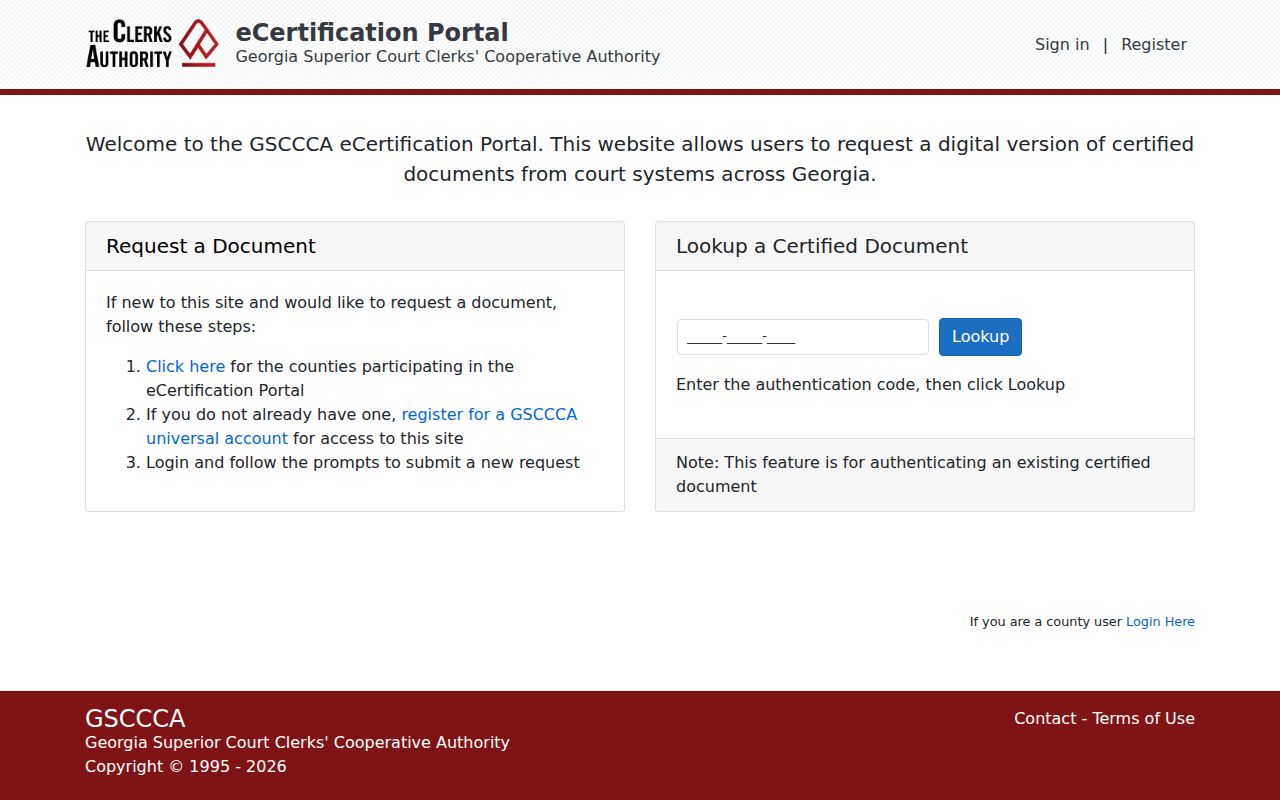
This screen reinforces the difference between locating a docket, opening a vendor document, and obtaining a clerk-certified copy.
What a Case Search Shows
A Bulloch County case search can lead to the case number, caption, court, filing activity, parties, counsel, settings, and status information made available for that file. A docket is the running history of events. A calendar is only a setting list. A filed document is the pleading, motion, notice, or order behind an event. Availability differs, and document images may require an account and payment.
| Case Number | The court identifier, including the observed Superior criminal code where applicable. |
|---|---|
| Style / Parties | The formal caption, such as the State and defendant or civil parties. |
| Case Type | The court's category for criminal, civil, domestic, or another matter within that court. |
| Filed Date | The date the initiating filing or charge entered the record. |
| Status | The case's recorded posture; a status label does not replace the signed order or judgment. |
A result row may provide less detail than the case view, and the case view may provide less than the court file. A docket entry proves that an event was recorded; it does not guarantee that the linked document is public, scanned, free, or certified.
Calendar as a Second Search Channel
The county calendar directory is not a name-search database, but it can help cross-check a known Superior criminal matter. Choose the judge and setting type, open the PDF, then compare the exact case number. Inspected lists contain report date, hearing date and time, judge, item, attorney, count, case number, name, offense, and sensitive identifier columns. A matching row confirms that the case appeared on that generated setting list, not that the entire docket was displayed.
Dates can move. A PDF may be replaced or remain online after its practical use. Confirm the current setting with the clerk or court administrator. Sensitive OTN, DOB, and SID data visible in a source calendar must not be copied into notes or examples. The calendar is especially useful when a PeachCourt case view is unavailable, but it cannot prove that a zero vendor result means no case exists.
County vs Statewide Case Search
The practical comparison is between a statewide directory and local court channels. Georgia E-Access identifies the approved system for participating courts. PeachCourt then handles Bulloch Superior and State case workflow. The elected clerk remains the authoritative custodian and fallback. Lower courts maintain their own records rather than feeding one universal county portal.
| Georgia Directory | Bulloch County Channels |
|---|---|
| Routes users to participating court systems. | PeachCourt for Superior/State, clerk and calendar, plus separate lower courts. |
| Does not supply one combined Georgia result set. | Local depth varies by court, account access, document availability, and restriction. |
| Best for finding the authorized destination. | Best for a known Bulloch court, case number, setting, or record request. |
For a known Superior or State matter, combine the directory, PeachCourt, and the clerk. For a lower-court matter, skip the vendor route and start with that court. This court-first approach is more reliable than repeating the same broad name across unrelated systems.
Bulloch Lower-Court Case Search
No public online Magistrate case search was located on the official county page. eFileGA is a filing route, not proof of a public docket lookup. Call Magistrate Court at 912-764-6458 or use its counter and records process. Probate Court keeps its own estate, guardianship, commitment, and licensing docket. Juvenile access is restricted and should be handled through authorized court channels.
Municipal citations also stay separate. Statesboro and Brooklet publish city court resources and JusticeONE payment links. Portal and Register have confirmed municipal court functions, but no current public docket widget was located for either. Their municipal clerk or town phone is the fallback. A traffic search may also involve the issuing city rather than Bulloch State Court.
The official Georgia traffic guidance states that there is no centralized citation database.
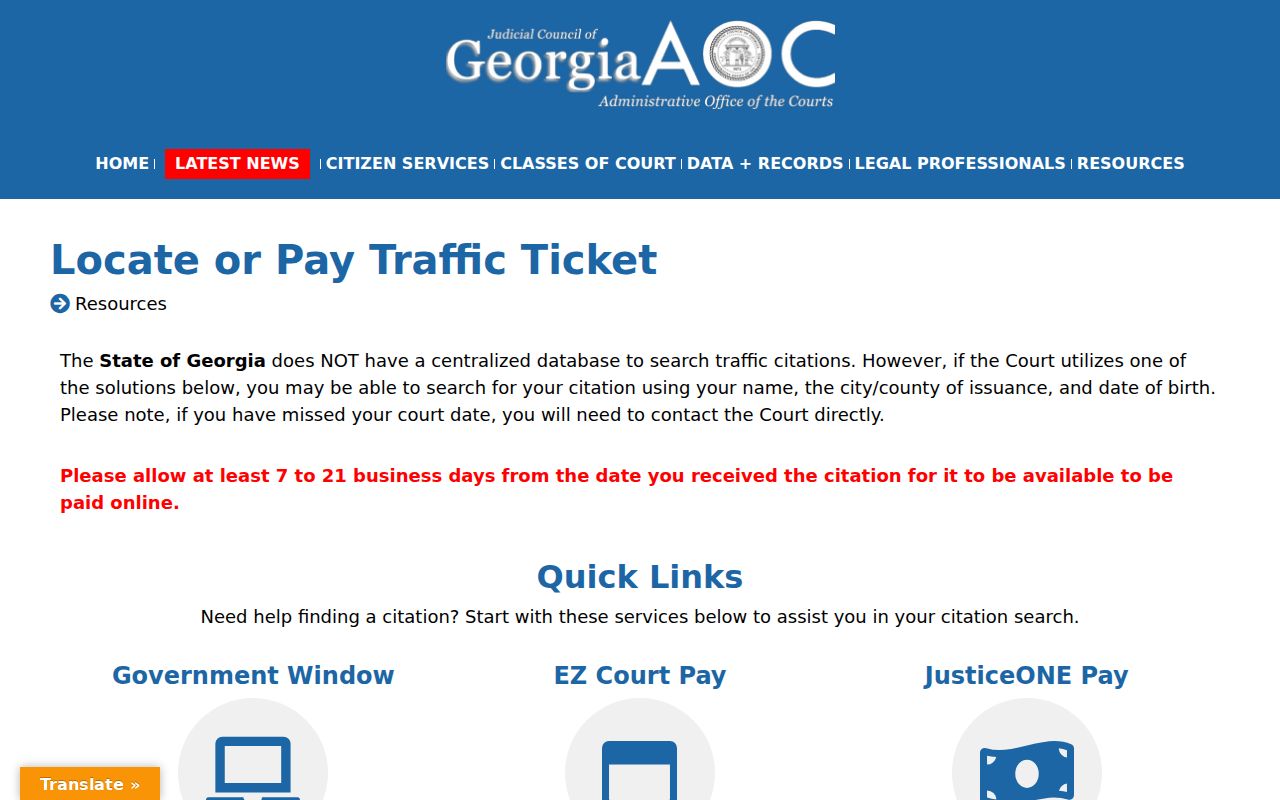
The state screen supports court-first routing and warns that online citation availability can take seven to twenty-one business days.
Bulloch Citation Search Is Separate
Most county traffic and misdemeanor cases are maintained in State Court, but the payment channel is narrower than the full docket. The clerk says the MyFivePoint portal can use the citation number or defendant's license number. Some citations cannot be paid online, and an arrested person must appear. Payment status is not a substitute for a case history or certified record.
The clerk-linked MyFivePoint endpoint is specific to the State Court payment route.
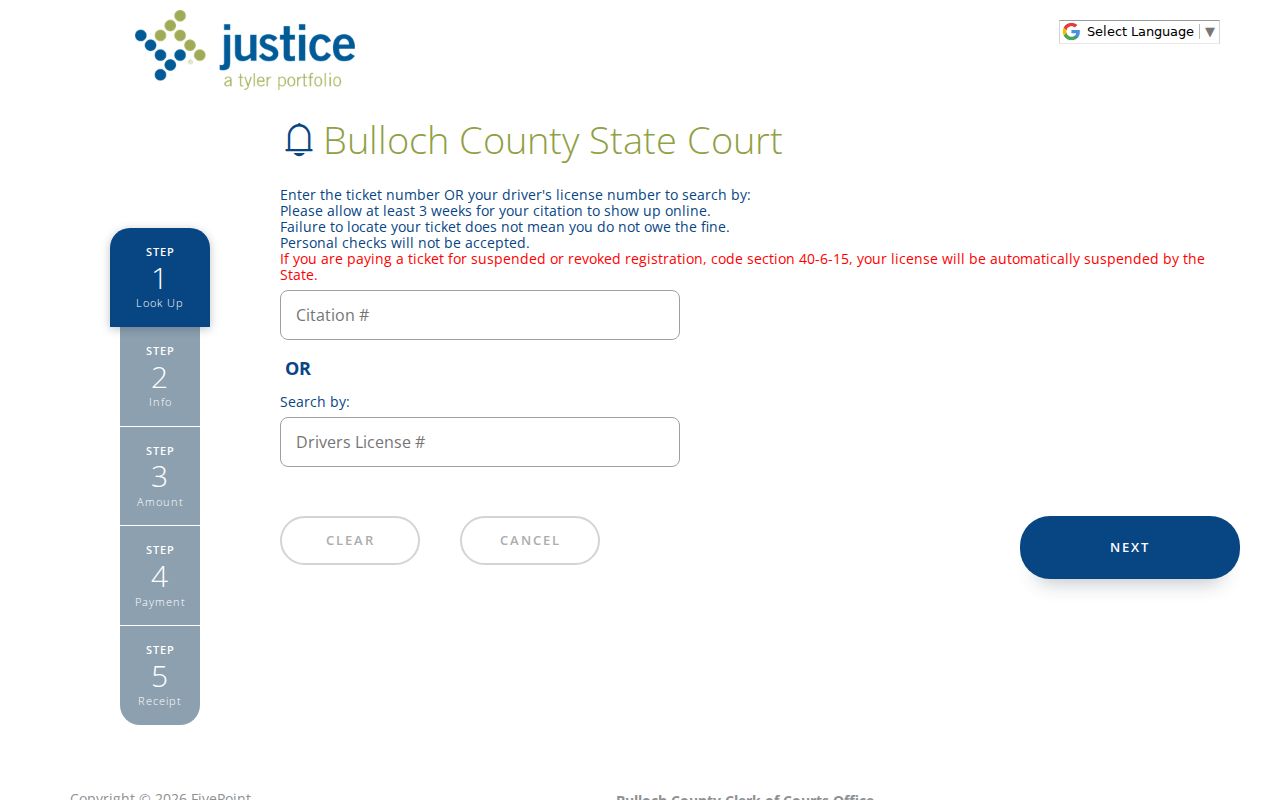
This interface belongs to citation payment and status work. It should not be presented as a complete search of Superior civil, felony, Probate, Magistrate, Juvenile, or city court cases.
Restricted Cases and Access Rules
Georgia court access is subject to statutes, court rules, and sealing orders. Juvenile matters, sealed cases, protected identifiers, and some sensitive documents may be hidden, redacted, or available only to authorized people. Uniform Superior Court Rule 21 governs public access and sealing in Superior Court. An accepted electronic record retains the same public-access status as its traditional counterpart, but electronic filing does not erase a lawful restriction.
A zero result is not a finding that a case was sealed, erased, or never existed. It may reflect the wrong court, account limits, indexing delay, a lower-court file, an older unscanned volume, or restricted access. Contact the custodian with the exact case number and request a public or redacted remainder when appropriate. Do not ask a clerk to override a seal or juvenile restriction.
For an ordinary record inquiry, Heather Banks McNeal's office can be reached at 912-764-9009 or clerkinfo@bullochcounty.net. Include the court, case number, party or caption, record sought, and contact information. The clerk's researched guidance states a three-to-five-business-day response window for records inquiries, while vendor access and certified-copy charges remain separate.